
Use code CLICKLABV3 for 15% off until 31 October 2026 at 12:00.
#1 AI asset tool
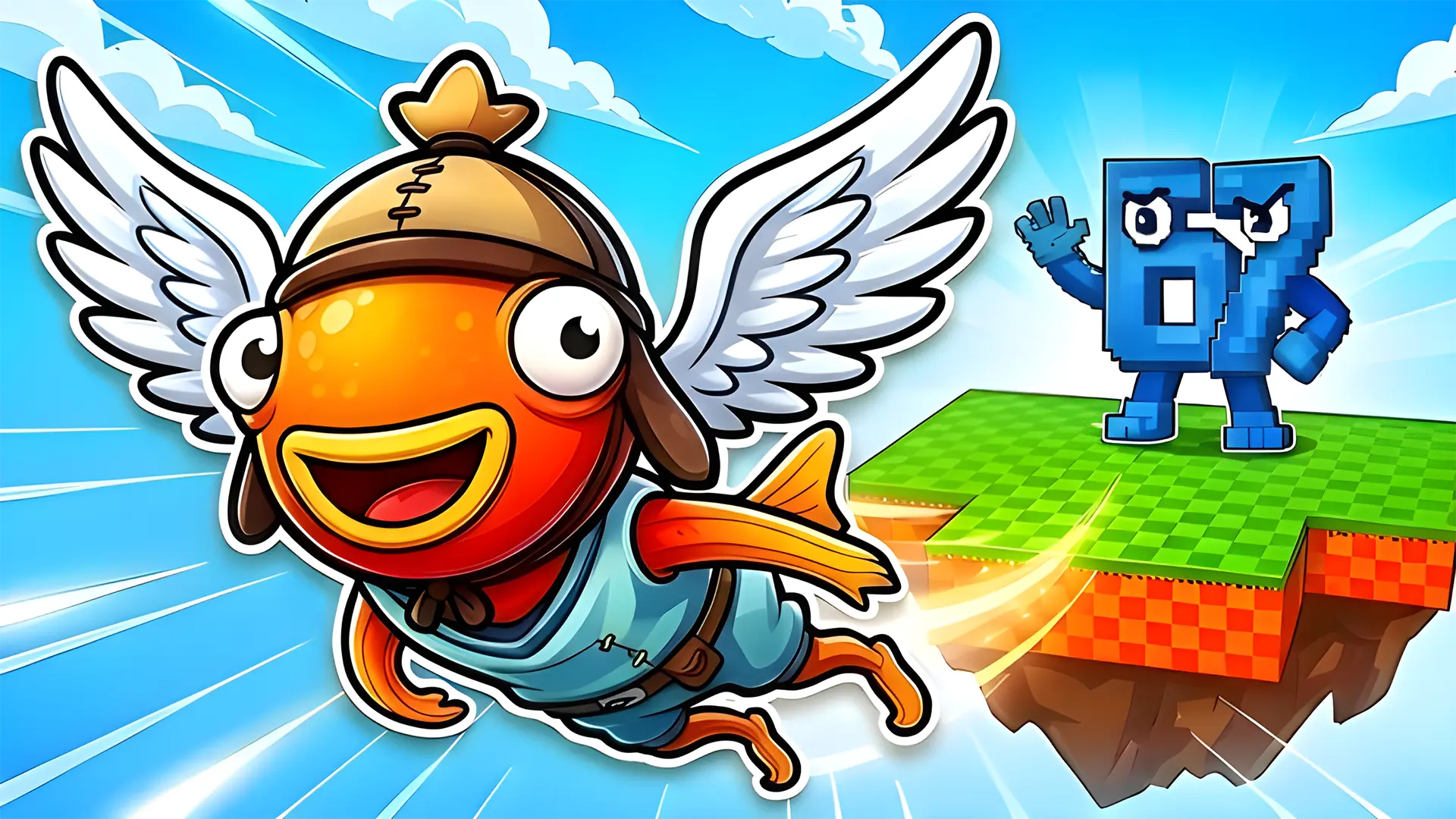
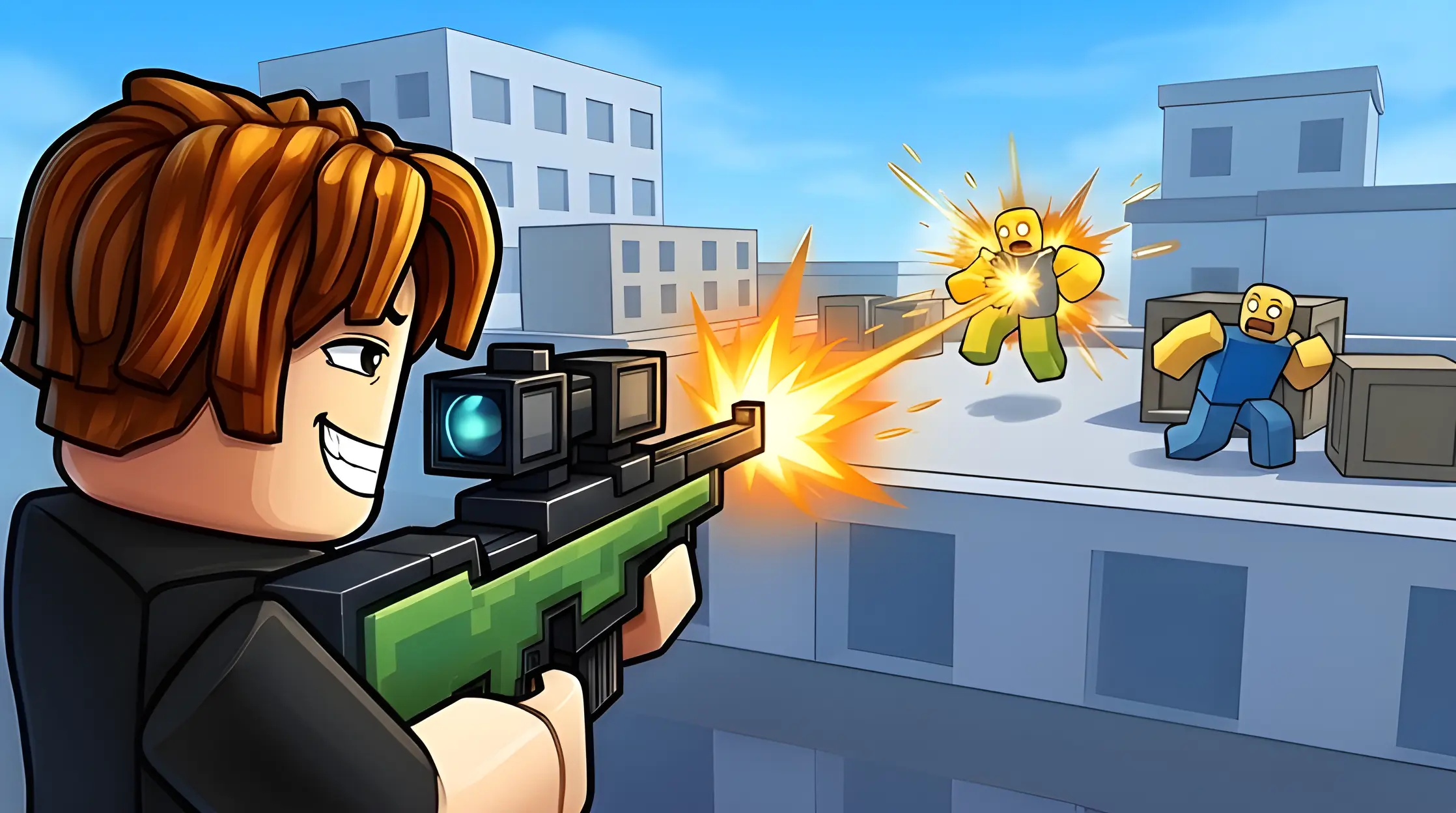
Create thumbnails, icons, and textures for Roblox, UEFN & Minecraft in seconds. New asset generators are coming soon.
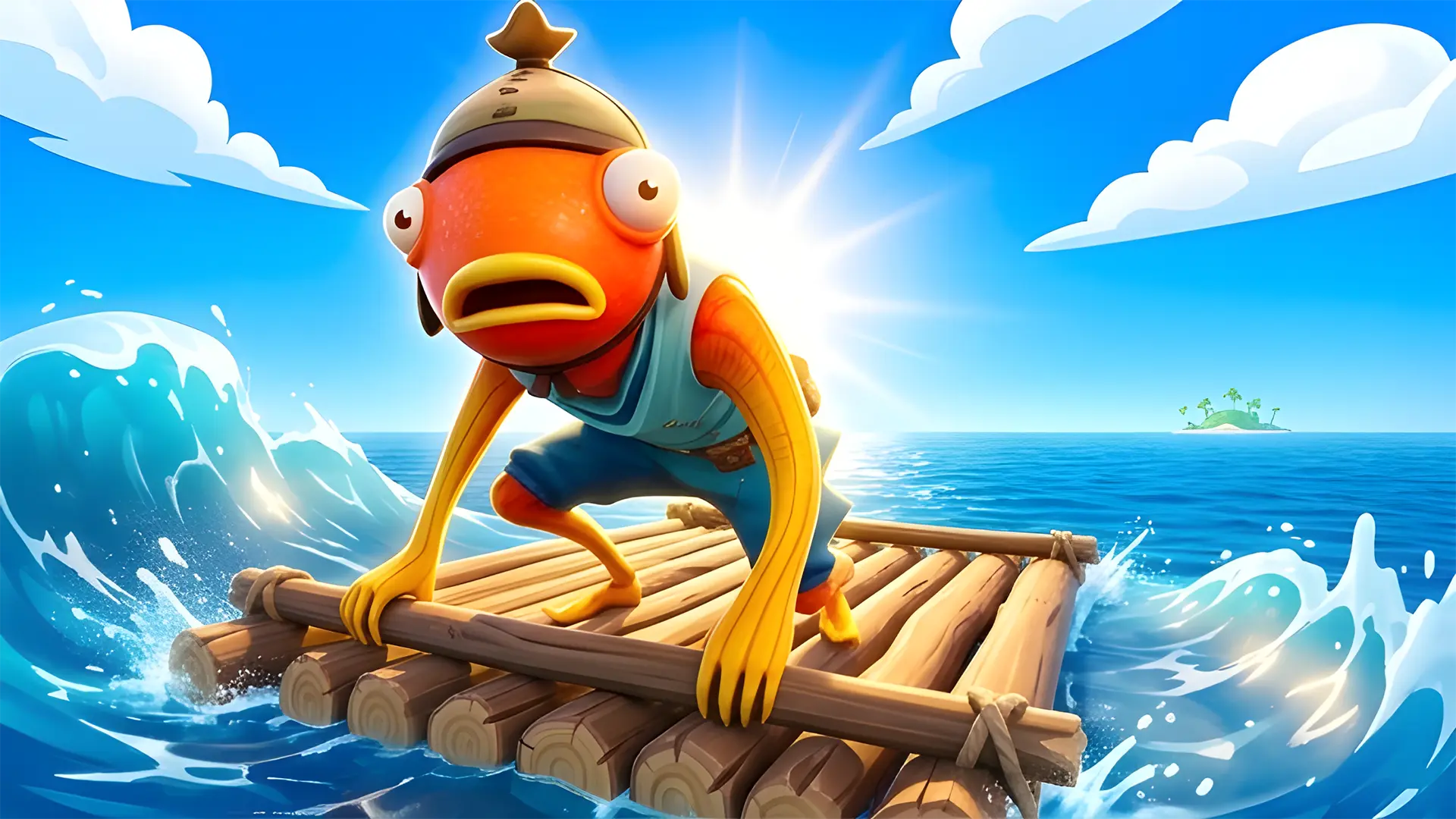
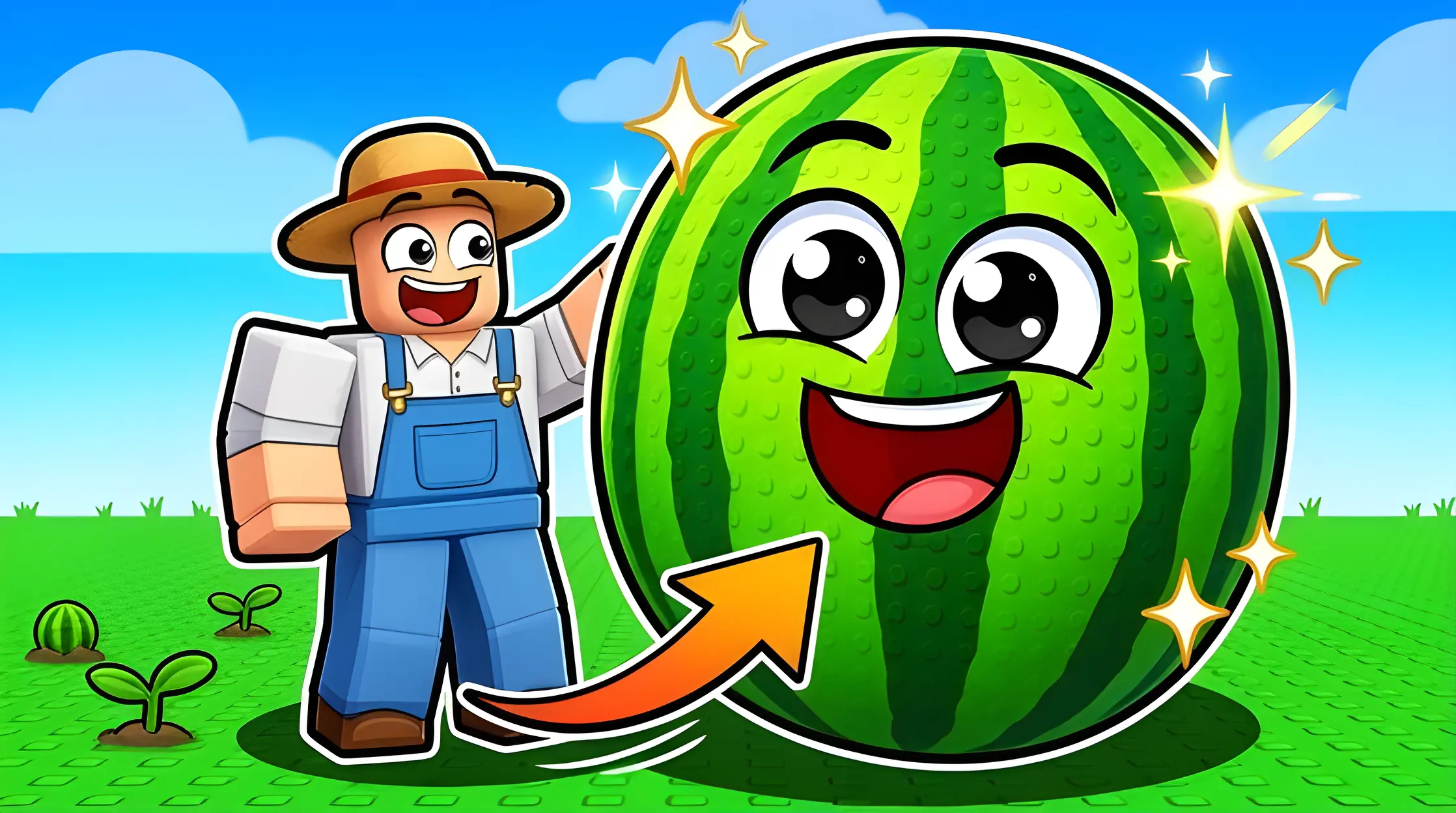
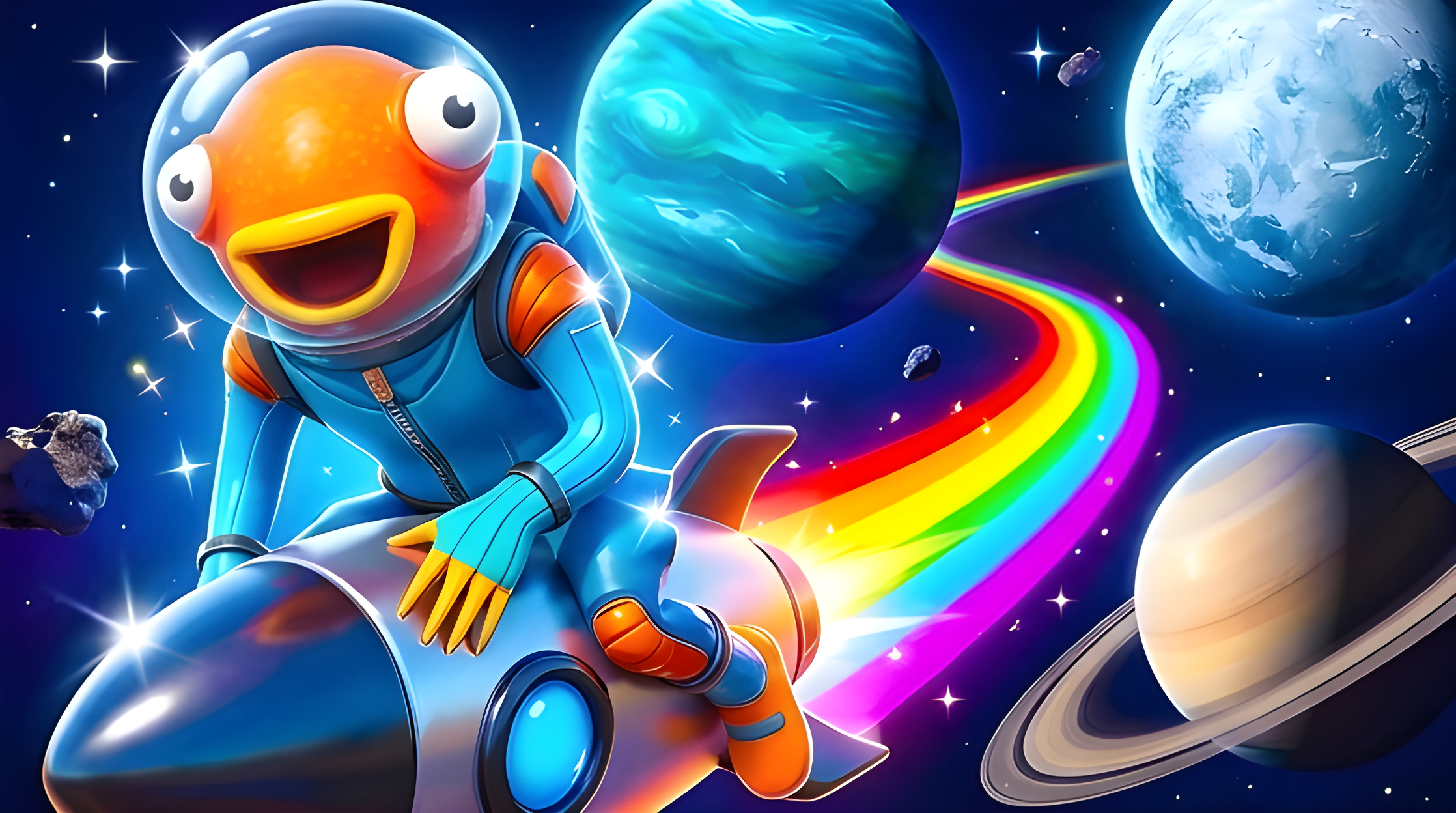
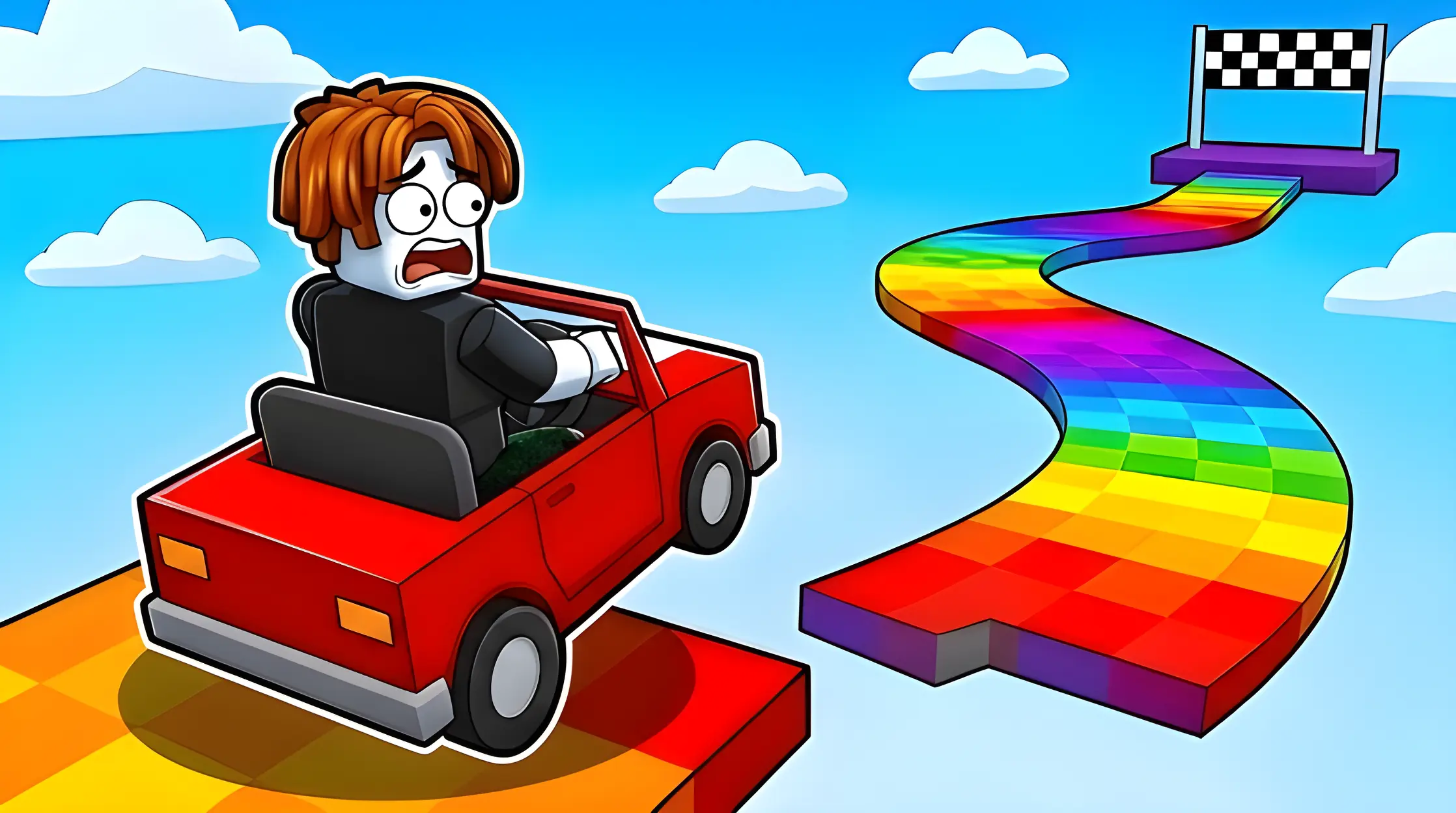
Minecraft thumbnails
Big ideas.
Block by block.
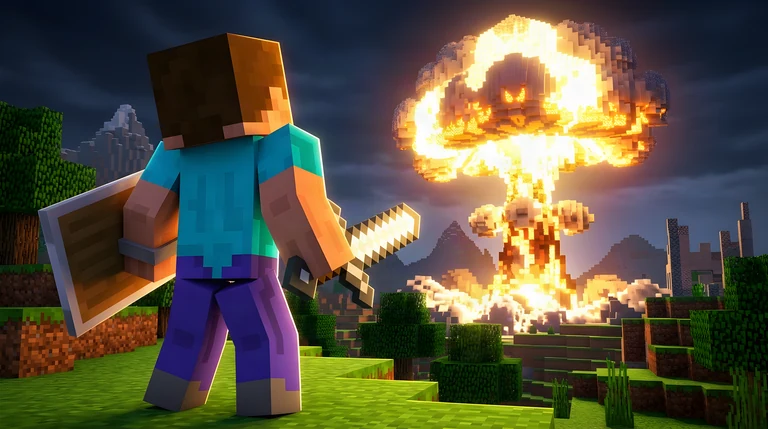
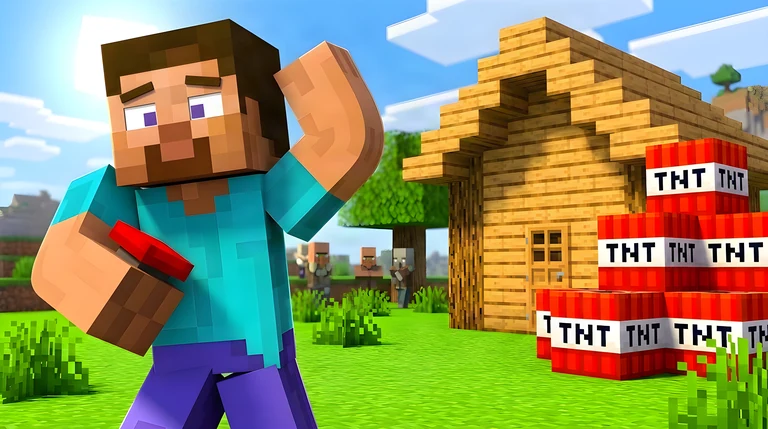
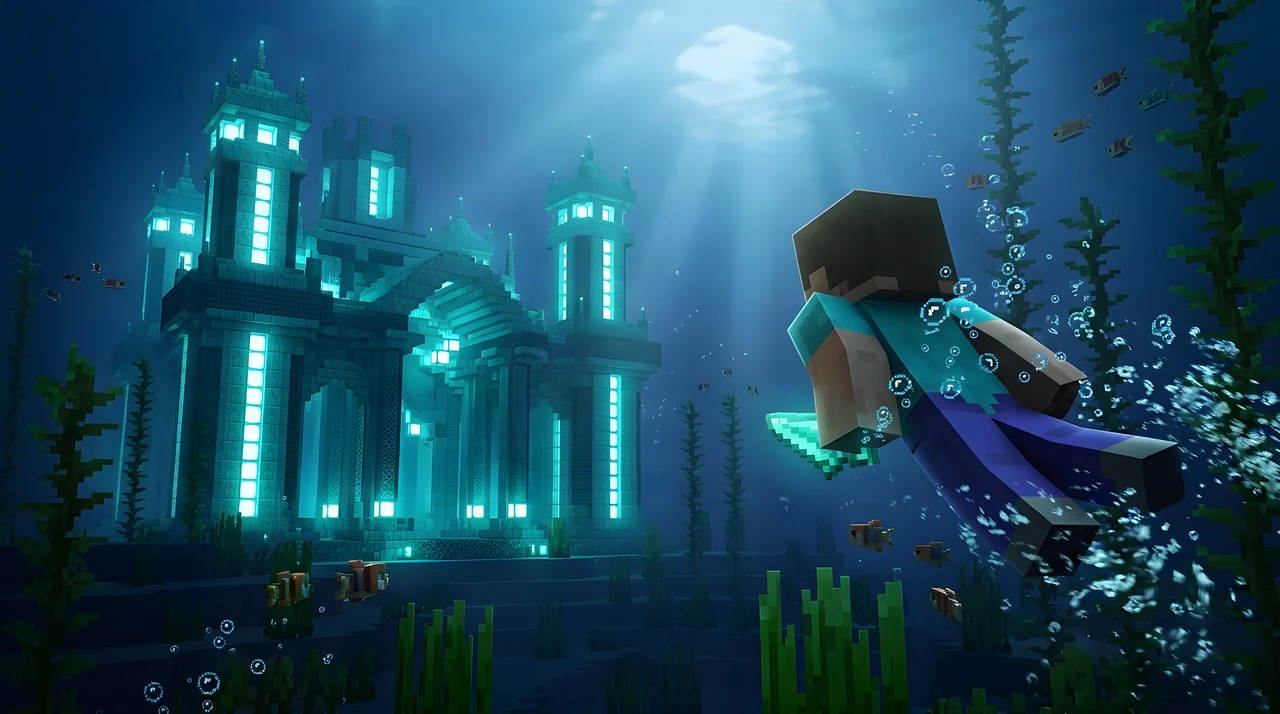
Turn your Minecraft ideas into thumbnails. From cave battles to ocean adventures, create a scene that stands out.
Create Minecraft thumbnails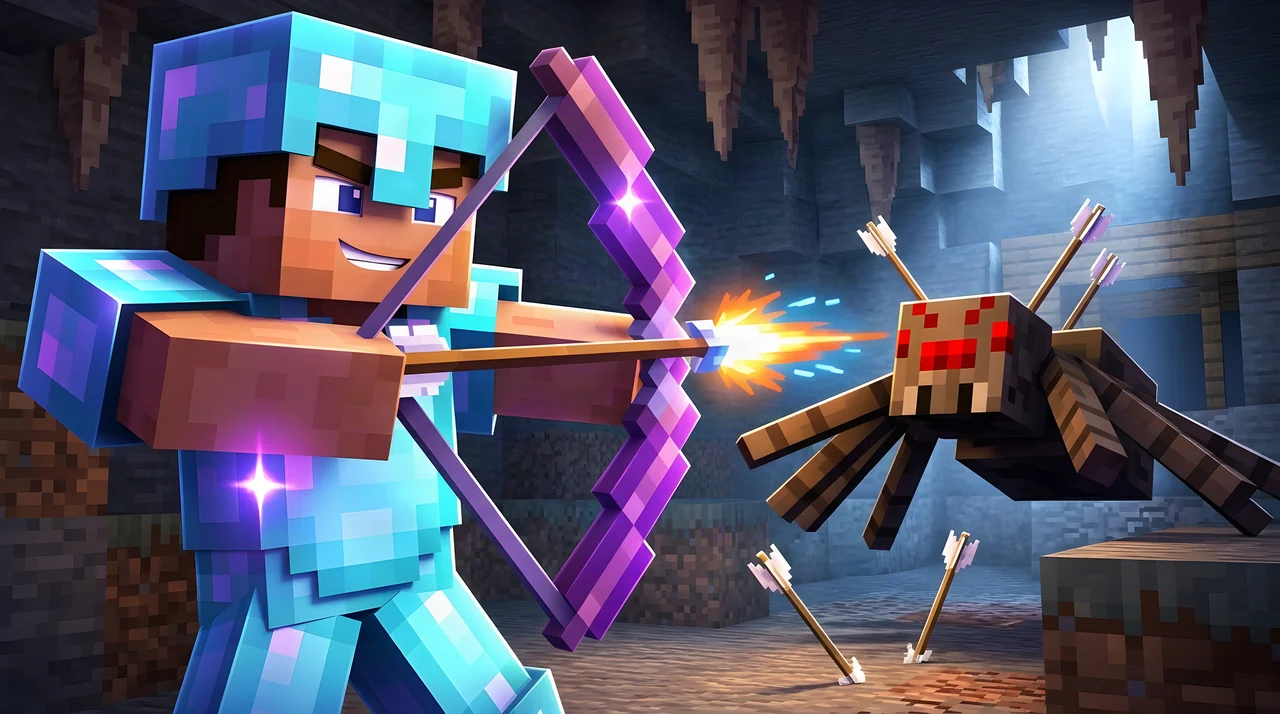
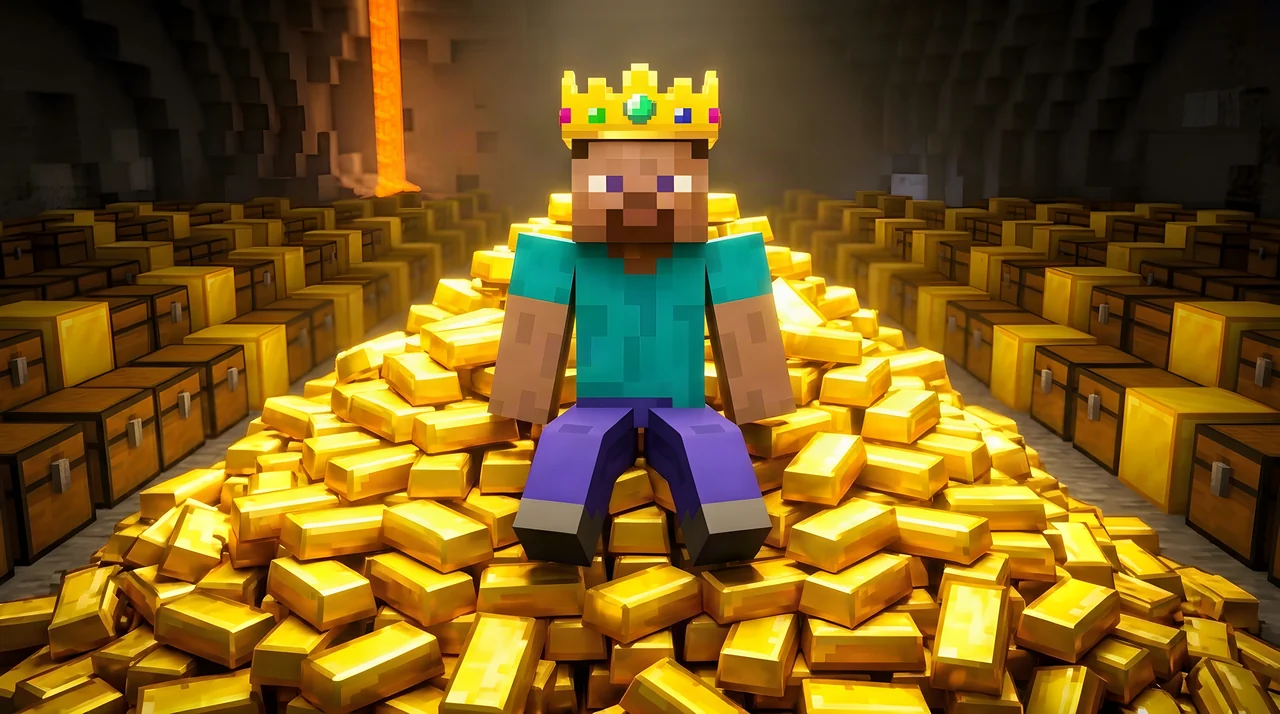
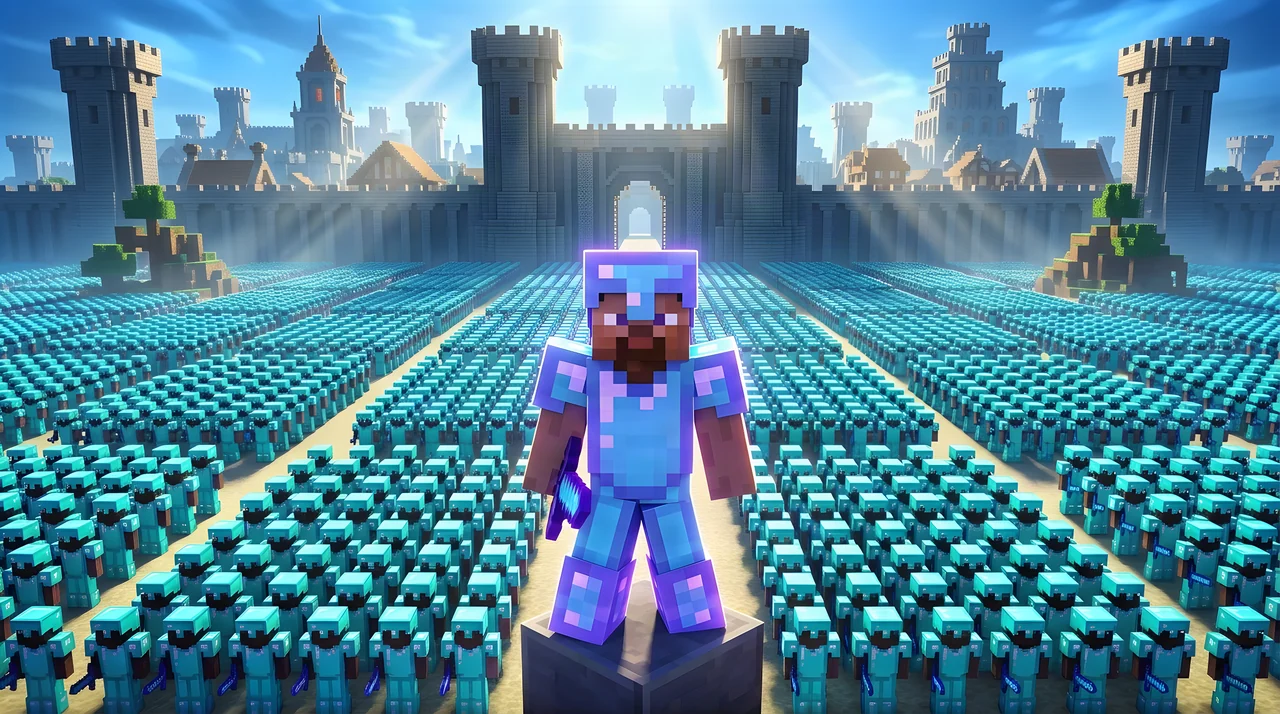
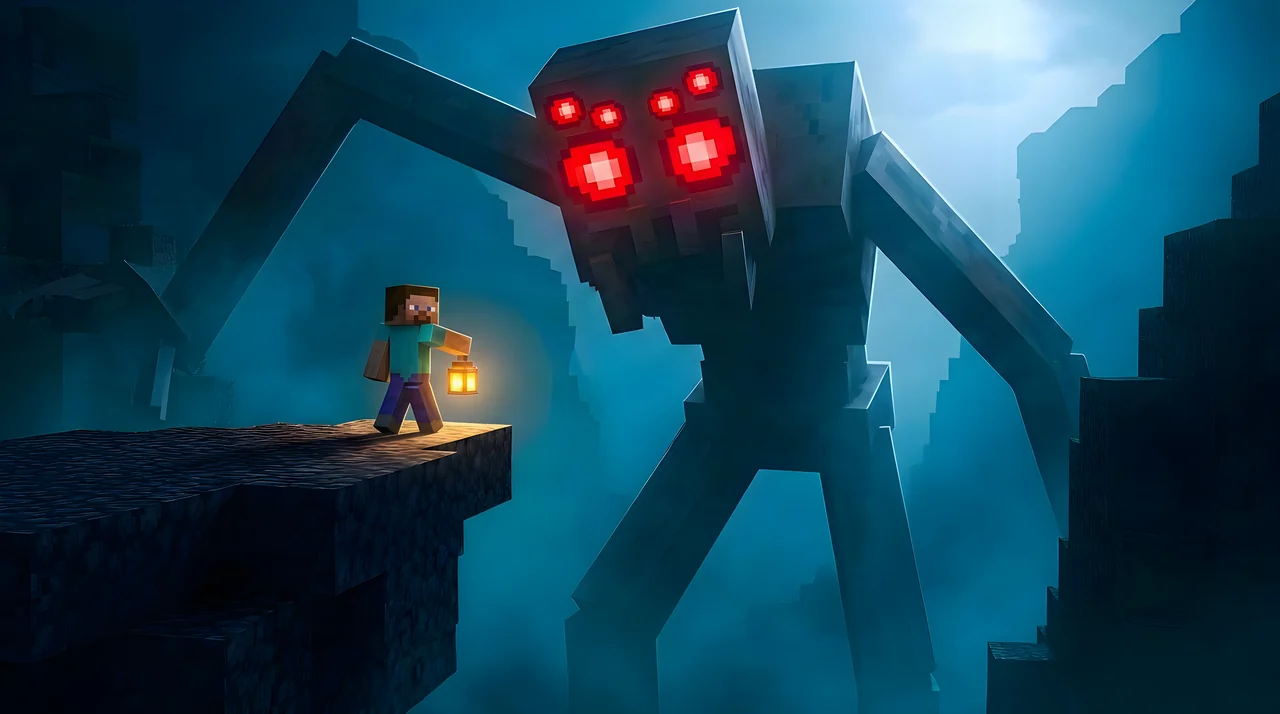
Create with
direction.
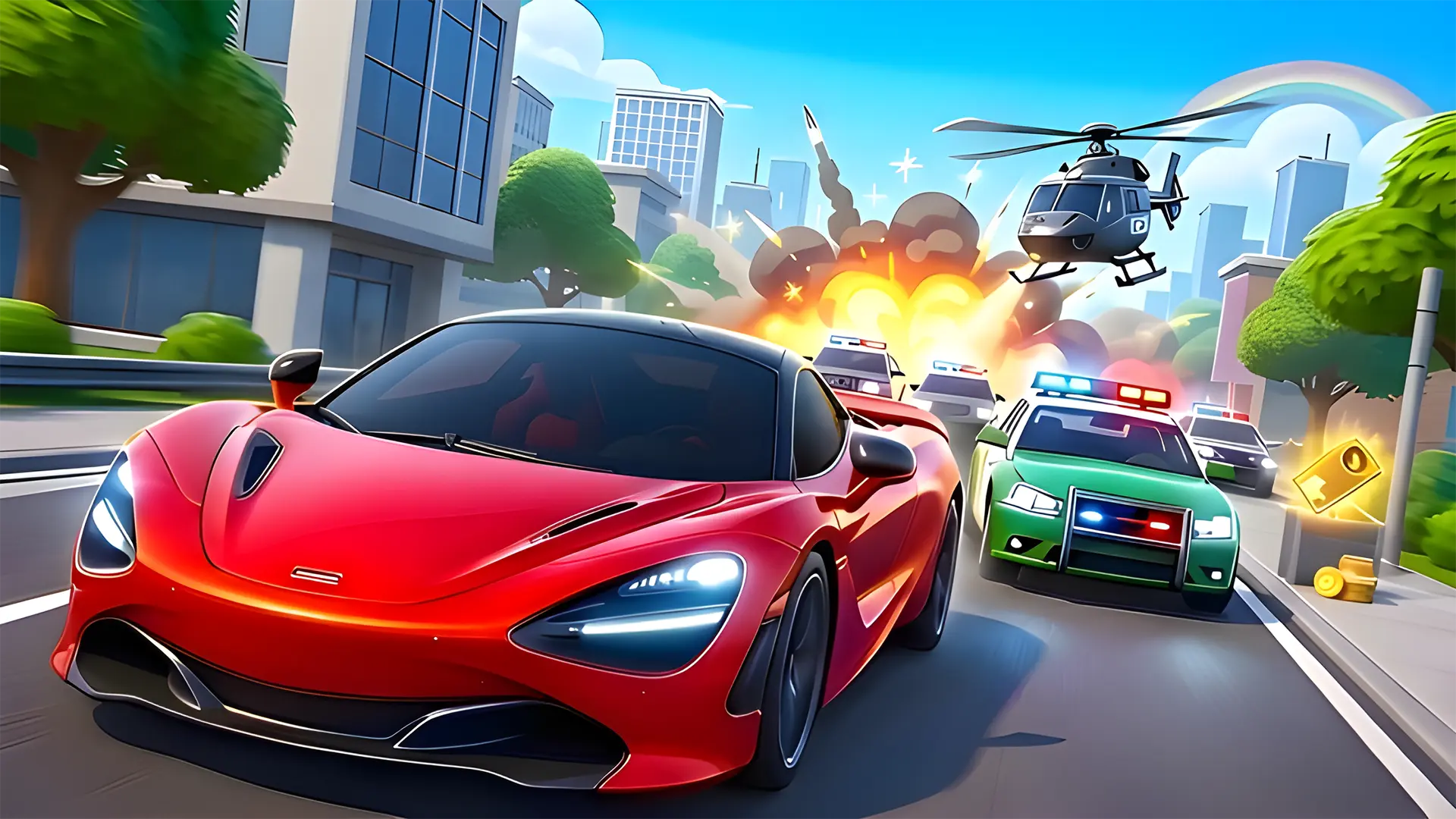
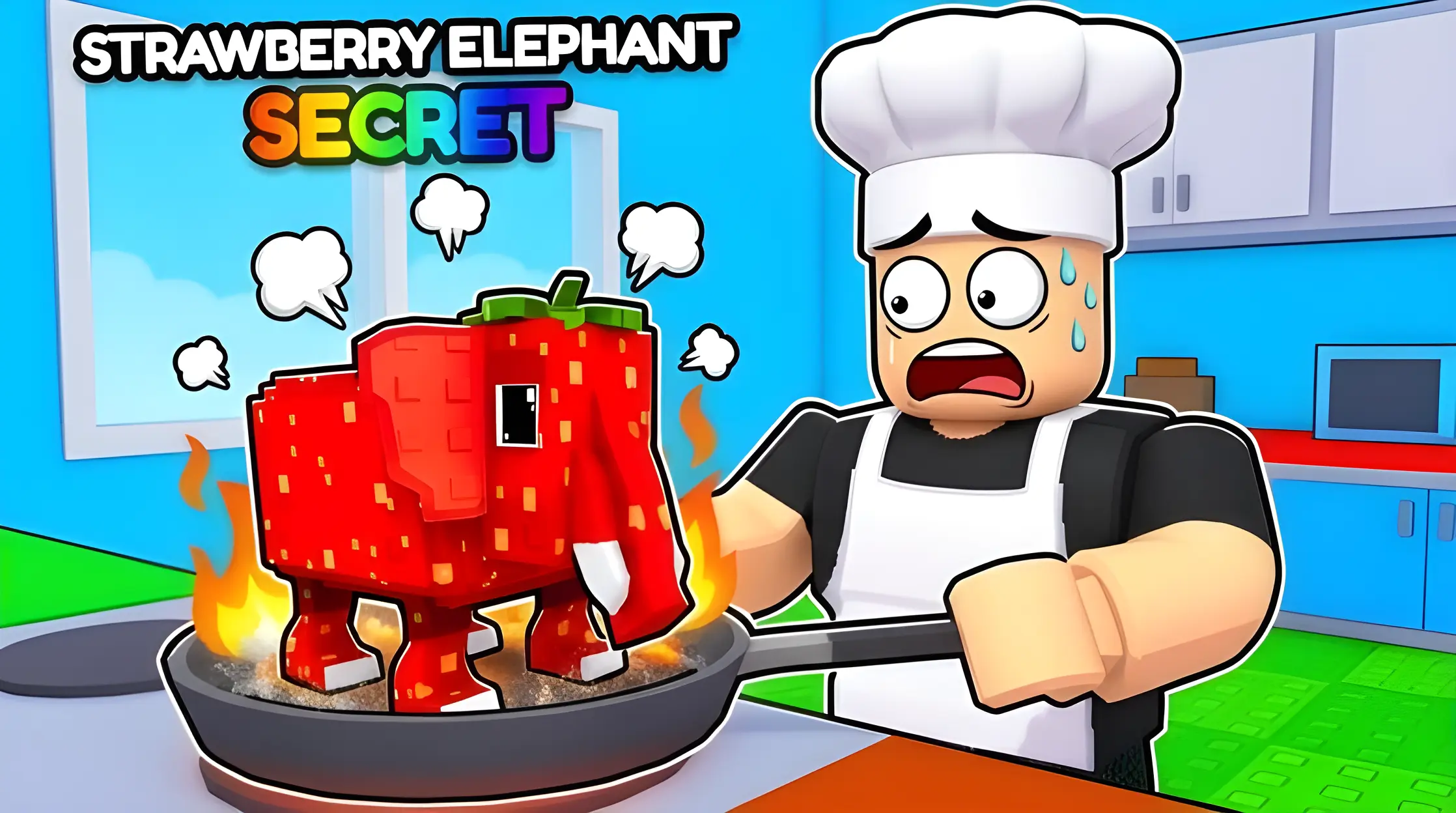
Choose from curated styles and templates built to create eye-catching thumbnails for Roblox or UEFN games.
- Idea Describe the idea
Explain characters, environment and the main focus of the thumbnail.
- Tune Refine the output
Make any edits you want and export when done.
- Frame Choose the format
Generate a thumbnail, turn it into square or wide format.
Game icons
Create icons that stand out
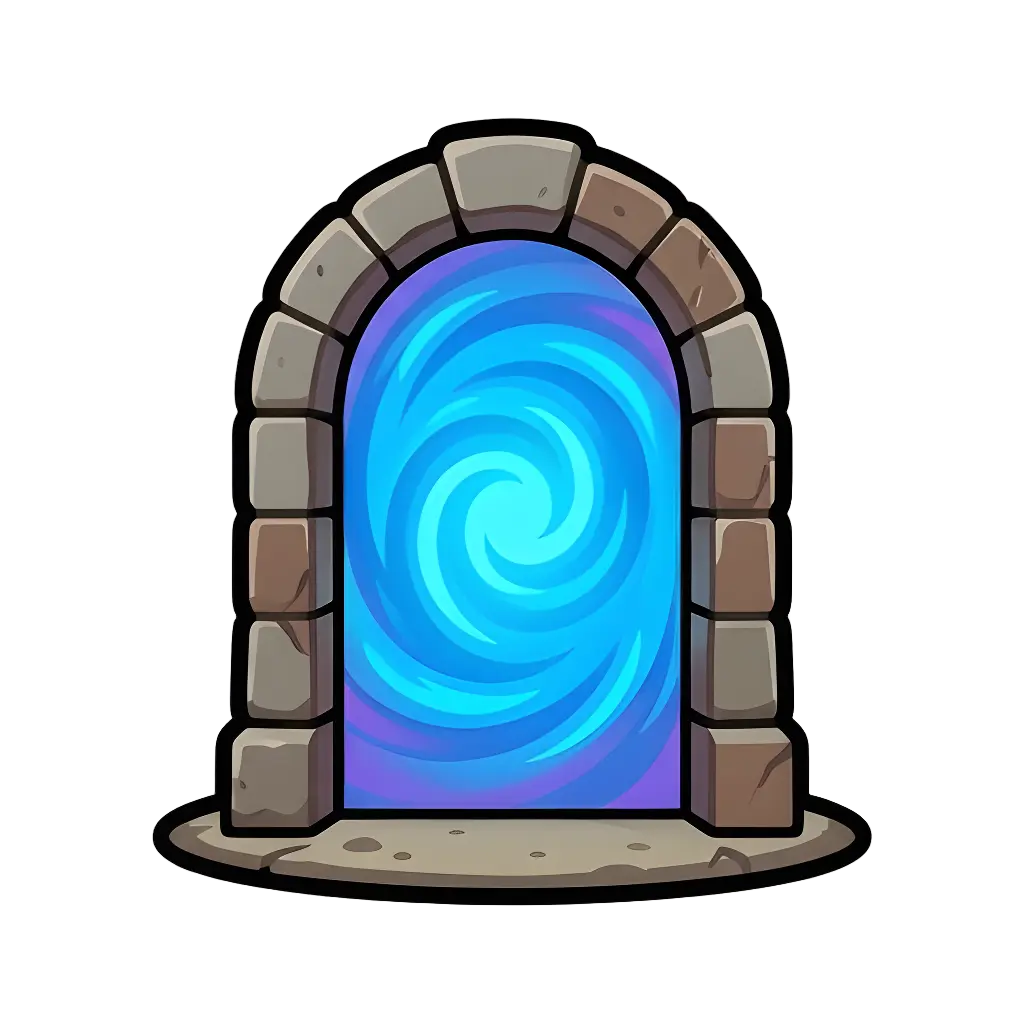
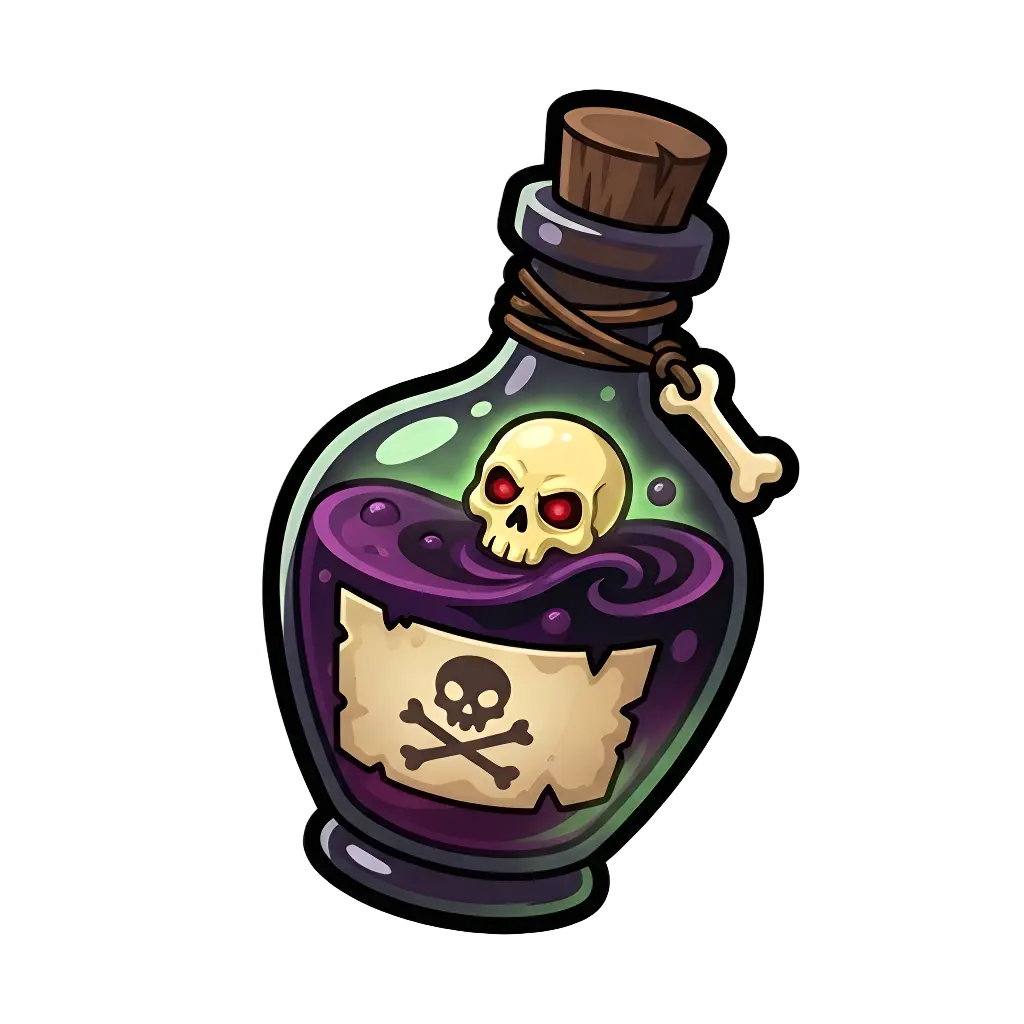
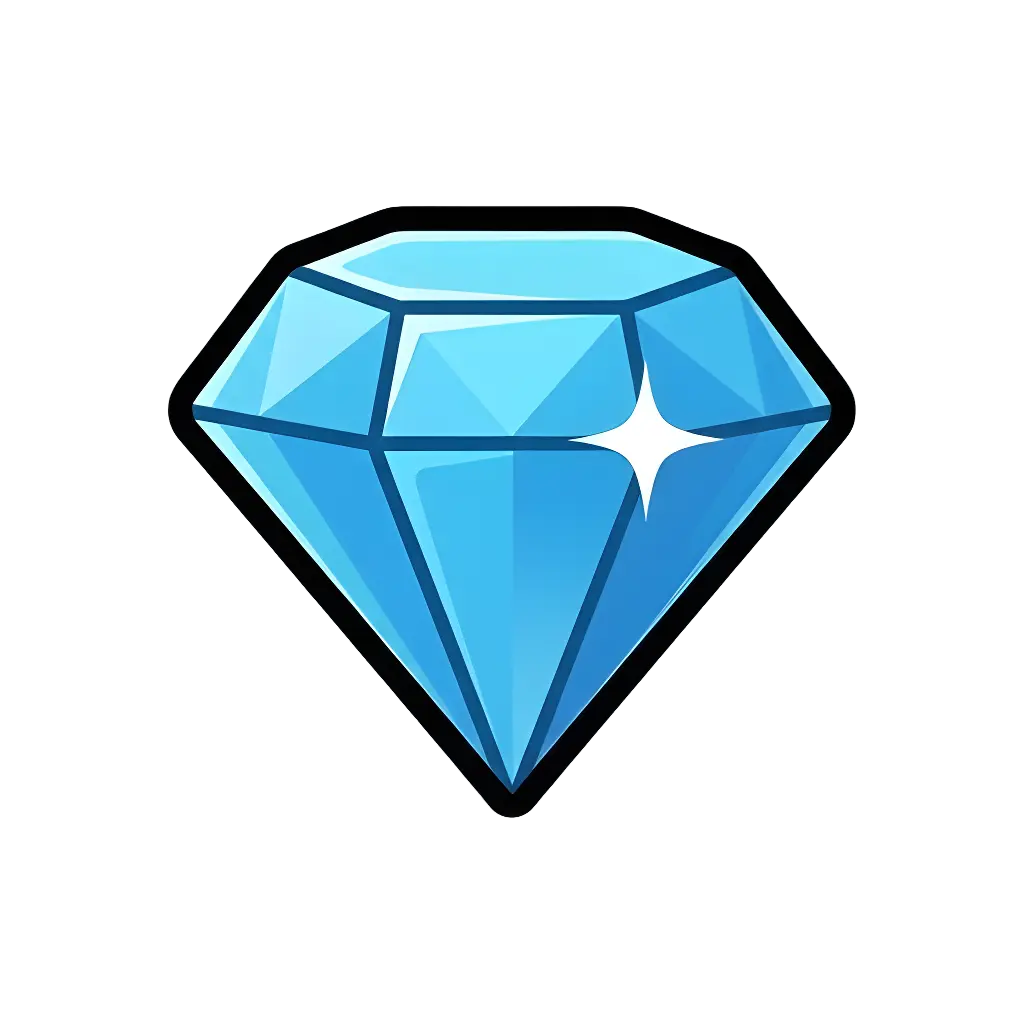
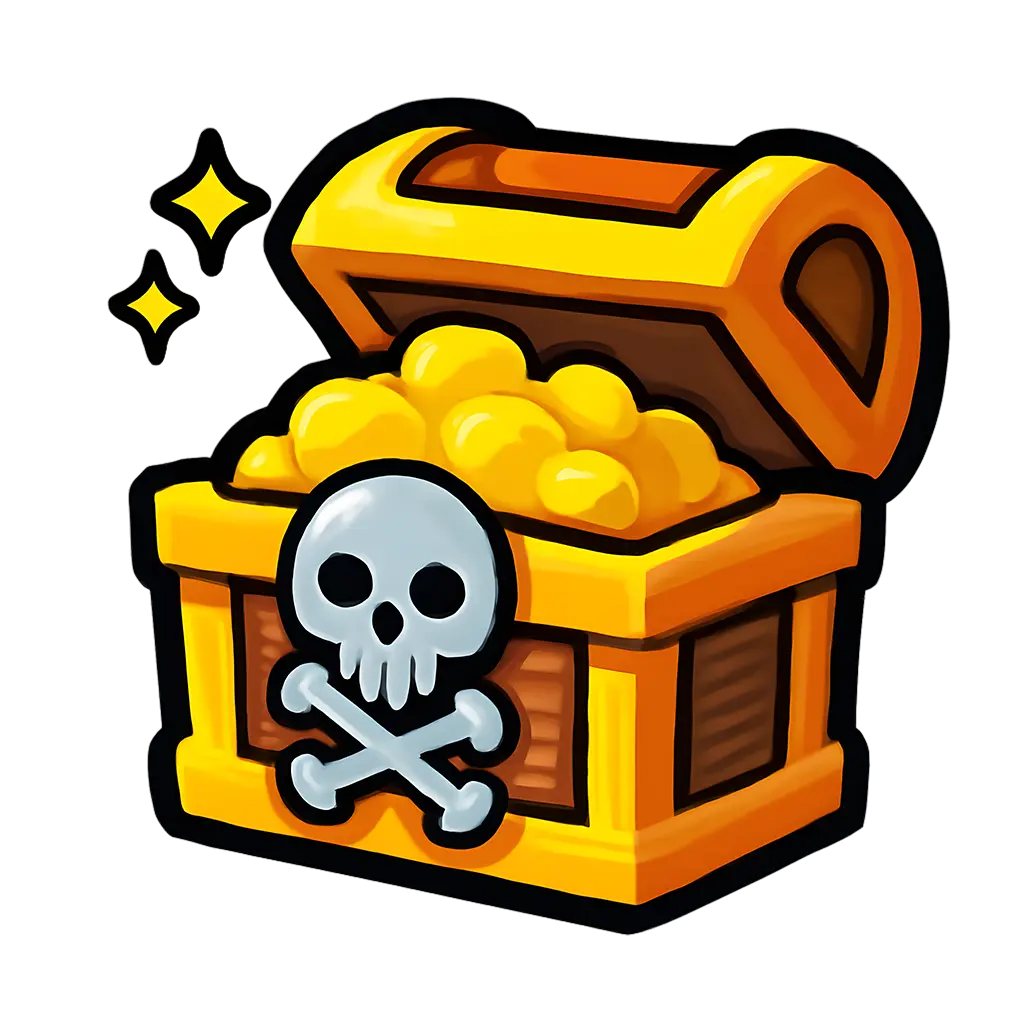
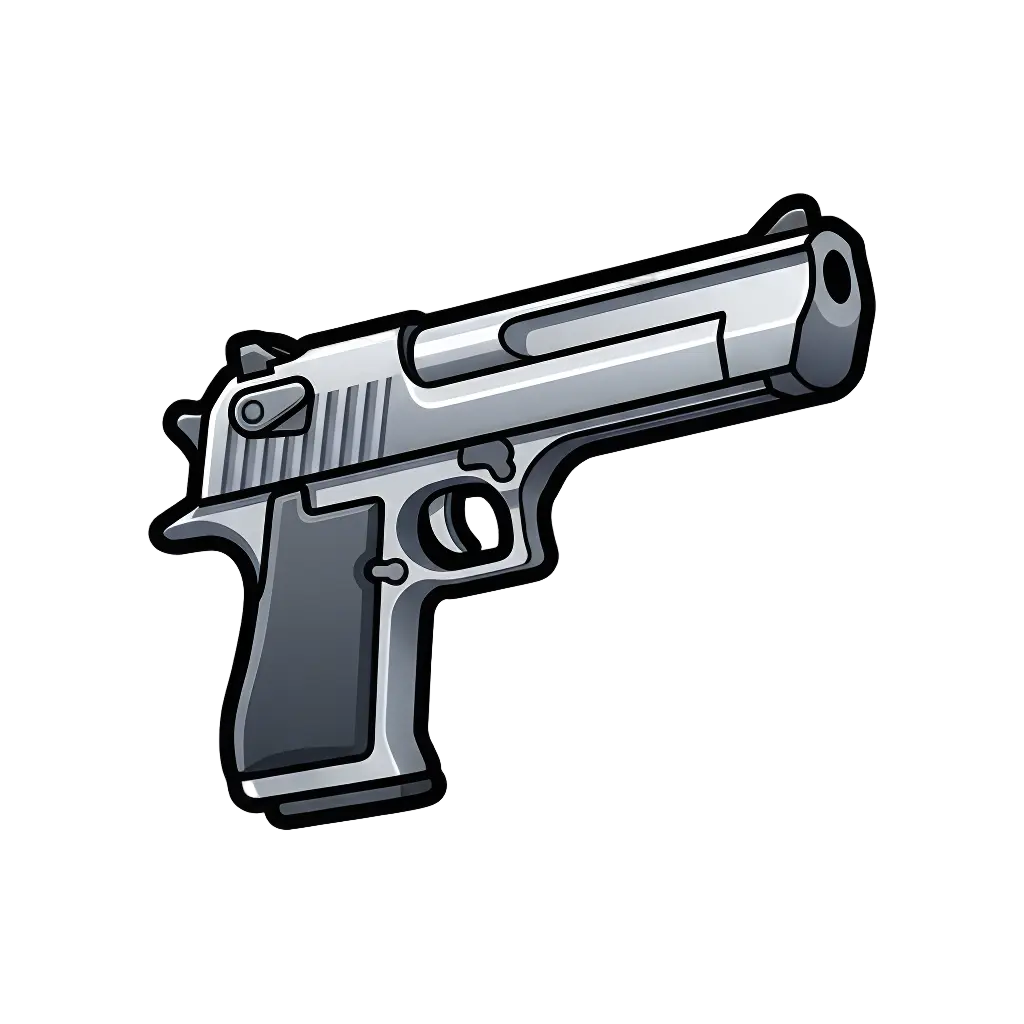
Create icons for weapons, currencies, consumables, rewards, and game systems with a consistent visual style.
Game-ready textures
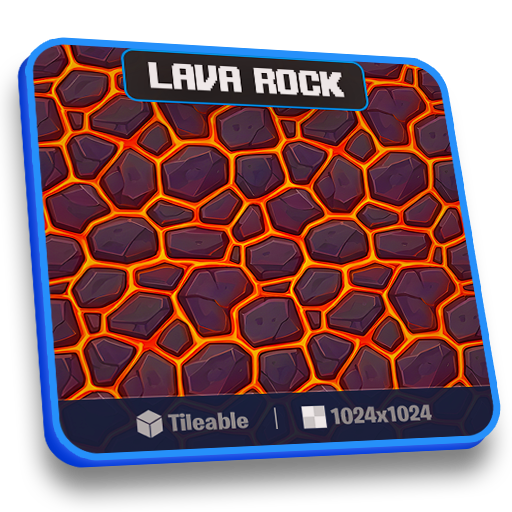
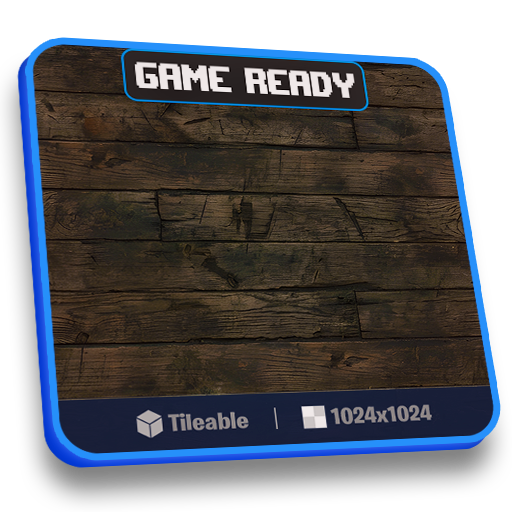
Turn prompts into game-ready textures.
Create tileable, PBR game textures in seconds. Perfect for game worlds, props, and surfaces.
FAQ
Quick answers before you jump into Studio.
Can I earn extra credits?
Yes, it is possible to earn extra credits by inviting other creators to ClickLab through the referral program. Learn more about referrals
How do I create my first thumbnail?
Go to the studio, type a prompt describing your idea, generate your image, and tweak it until it's exactly what you want.
How do credits work?
Each new icon or thumbnail generation consumes 5 credits, while edits consume 3 credits. Getting your thumbnail analyzed consumes 1 credit. Your plan gives you a set amount each month, which you can use to create thumbnails or icons.
How many thumbnails can I create?
It depends on your plan. Pro plan users can generate up to 45 thumbnails or icons per month, while Studio plan users can generate up to 155 thumbnails or icons.
How do I get better results?
Be specific with your prompts and try different variations. You can also tweak and regenerate images to get closer to your vision.
What formats can I generate?
You can create thumbnails in all supported Roblox formats: 16:9 and 1:1. Icons are generated in the 1:1 format.
Can I use the images for commercial use?
Yes, all images you generate can be used in your own games and projects for monetization.
Can I cancel anytime?
Yes, you can manage or cancel your subscription at any time from your account settings.